![Add on Charging Cables [2.5m/8.2 feet] for Dr.Care Baby Monitors Dr.Care](http://www.thedrcare.com/cdn/shop/files/1500_x_1200.png?v=1768400488&width=2000)


Babyphone LumiView Lite 2K avec caméra, écran de 5", pince de fixation pour lit bébé, avec ou sans Wi-Fi
Interest-free payment with or
or
 or
or
- Prix régulier
- $149.99 USD
- Prix soldé
- $149.99 USD
- Prix régulier
-
Livraison calculée lors du paiement.
Caractéristiques principales
Caractéristiques principales
Caractéristiques principales
Modèle : DC-SBM003L
- Wi-Fi 2K et 1080P sans Wi-Fi pour un confort optimal : Profitez d’une image 1080p nette sur le babyphone sans Wi-Fi à la maison et d’une résolution HD 2K exceptionnelle sur l’application mobile Wi-Fi. Avec ou sans Wi-Fi, la surveillance reste fluide et fiable, pour une tranquillité d’esprit en toutes circonstances. Grâce à l’accès chiffré via l’application Dr.Care, partagez en toute sécurité les progrès de votre bébé en temps réel avec jusqu’à 20 membres de votre famille, où qu’ils se trouvent.
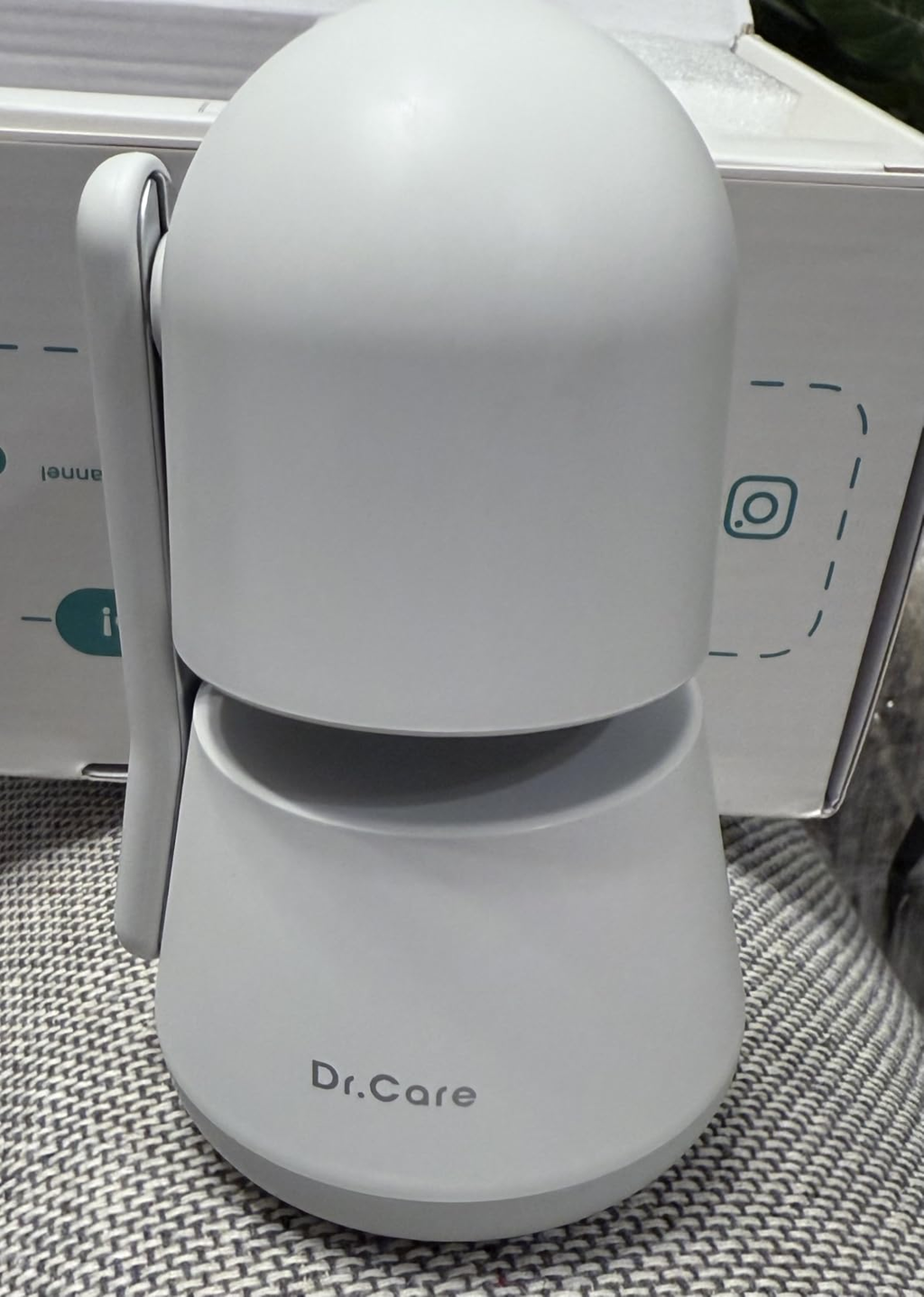
- Contrôle de la confidentialité nouvelle génération : La série Dr.Care LumiView est dotée d’un mode confidentialité innovant. Inclinez la caméra vers le bas pour couvrir l’objectif et préserver votre intimité pendant l’allaitement ou le change, puis relevez-la pour reprendre la surveillance, sans éteindre ni déconnecter l’appareil. Profitez d’une triple sécurité grâce à un bouton Wi-Fi OFF en option, au chiffrement AES 256 bits et à l’association exclusive des utilisateurs pour un accès sécurisé. Profitez d’une connexion sécurisée en toute liberté, tout en gardant le contrôle total de votre confidentialité.
- Accueillez la nuit avec des soins intelligents : La douce veilleuse à 6 couleurs et le bruit blanc apaisant créent une atmosphère relaxante, aidant votre bébé à adopter de bonnes habitudes de sommeil. La vision nocturne HD permet de voir chaque sourire, même dans l’obscurité. Notre application vous envoie des alertes instantanées lorsqu’un mouvement ou un changement de température est détecté, pour vous tenir au courant des besoins de votre bébé grâce à ce babyphone.
- Une couverture intelligente à 360°, pour une tranquillité d’esprit totale : Restez près de votre tout-petit à chaque instant. La caméra pour bébé vous avertit s’il entre dans une zone de danger que vous avez définie. Grâce à la rotation horizontale de 300°, à l’inclinaison verticale de 135° et au zoom 2X/4X, vous pouvez le surveiller sous tous les angles, lui parler ou le rassurer grâce à l’audio bidirectionnel, et même garder un œil sur plusieurs bébés ou enfants à la fois grâce à l’affichage en écran partagé. Elle est conçue pour assurer la sécurité de votre bébé et vous apporter la tranquillité d’esprit.
- Enregistrez, revivez et partagez chaque étape importante : Grâce à l’enregistrement continu 24 heures sur 24 lorsqu’une carte SD (jusqu’à 128 Go, non incluse) ou un stockage dans le cloud (abonnement requis) est utilisé, cette caméra pour bébé enregistre automatiquement les événements importants, comme les pleurs ou les chutes. Ces moments sont regroupés dans une section dédiée, ce qui permet de les revoir facilement, d’améliorer la sécurité et de conserver les souvenirs des étapes importantes de sa croissance.
- Une alimentation durable, toute la journée : Le moniteur parent est doté d’une batterie amovible de 5 000 mAh, offrant jusqu’à 11 heures d’utilisation continue et 14 heures en veille. Sa conception innovante permet de remplacer facilement la batterie, évitant ainsi sa dégradation et garantissant des performances durables à long terme. Avec une portée de signal allant jusqu’à 1 279 pieds, il assure une couverture fiable dans toute la maison.
-
Contenu de la boîte :
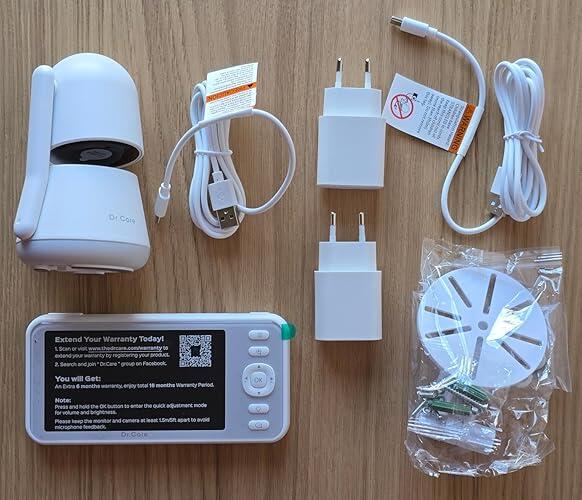
- Ensemble avec support à clipser sur le lit : 1 moniteur parent Dr.Care LumiView Lite, 1 caméra pour bébé, 2 câbles USB-C, 2 adaptateurs secteur, 1 support à clipser sur le lit (rangé dans la boîte du chargeur et du câble) et 1 manuel d’utilisation.
- Ensemble à deux caméras : 1 moniteur parent Dr.Care LumiView Lite, 2 caméras pour bébé, 3 câbles USB-C, 3 adaptateurs secteur et 1 manuel d’utilisation.
Services and Benefits
Free Shipping
Free shipping is available to most delivery areas. Orders are processed within 1–3 business days.
30-Day Money-Back Guarantee
Your satisfaction matters to us. Unused products can be returned within 30 days of delivery.
At least 1-Year Warranty
At least 1 year of warranty coverage, with an additional 6 months available upon registration where applicable.
Dedicated Customer Support
Support you can count on whenever you need it.
Ways to Pay


Loved by Parents


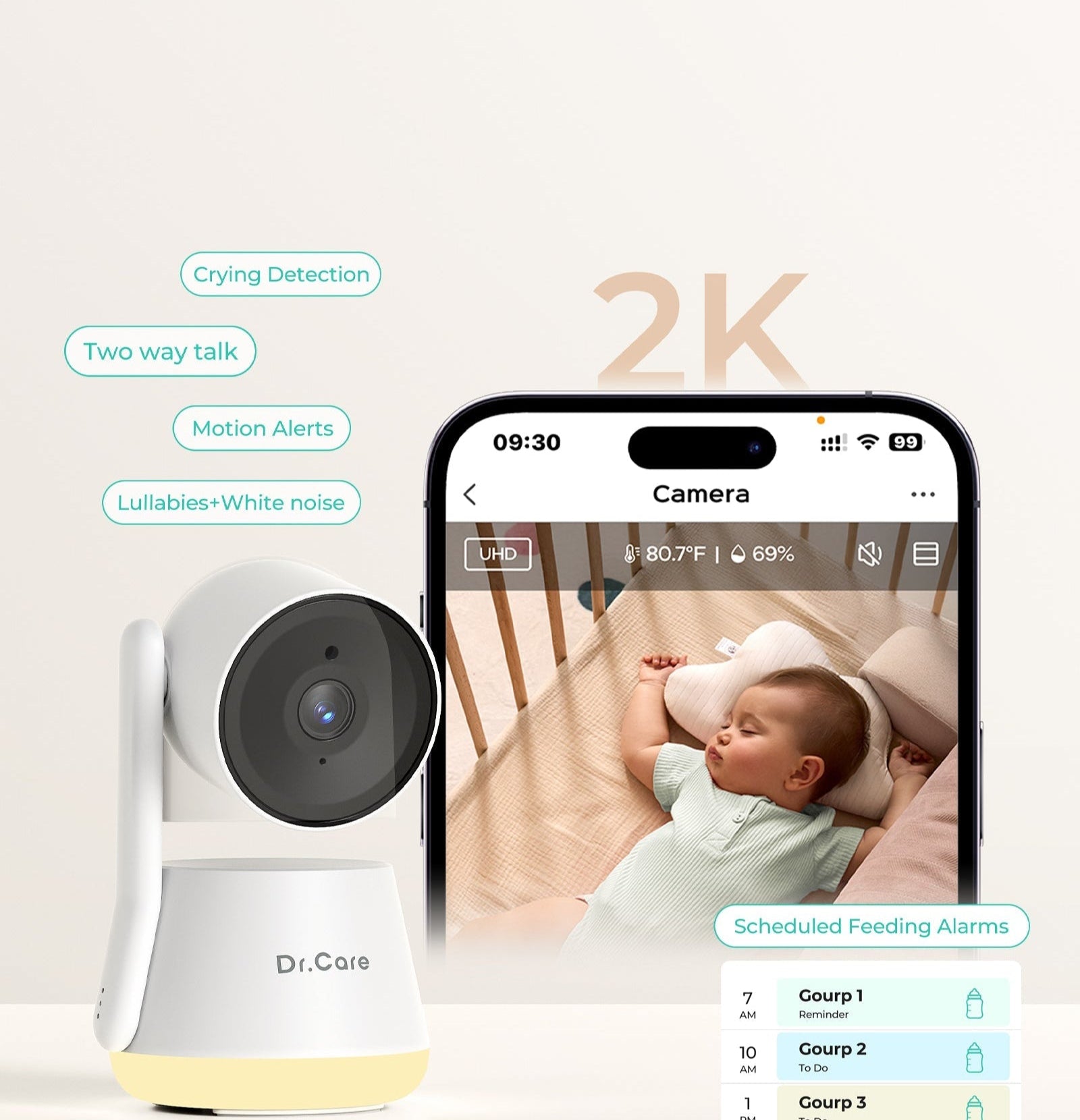
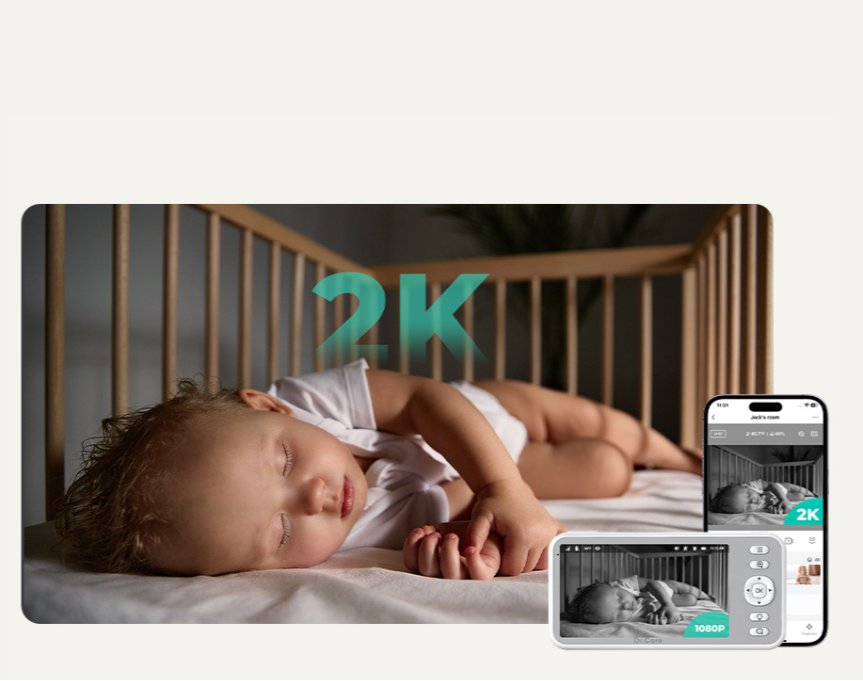
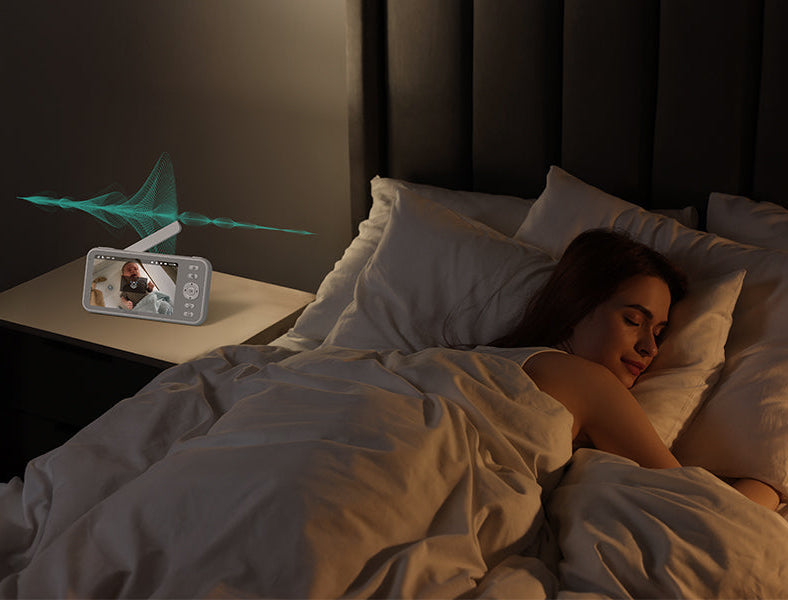

Next-Level Smart Care, Built for Privacy
An advanced 2K all-in-one solution designed to protect what matters most.
Split-Screen
Two rooms, one screen. No toggling, no guessing.
Temp Monitoring & Alerts
Track room temperature in real time and get alerts when it goes outside your preset range.
200% ↑ Motion Detection
Catches every stir, every stretch — before you even hear a sound.
Full-Room Coverage
300° Pan / 135° Tilt. Every corner of the nursery — no blind spots, no missed moments.

Always On Guard: Instant Movement Alerts
Create personalized safe zones in the app and receive real-time notifications if your baby wakes or moves beyond them. Protect your little one and enjoy uninterrupted peace of mind every moment.

Instant Privacy, Zero Hassle
Nurse or change with confidence – one touch closes the camera, switching to your private space at any moment, no unplugging needed.

Smarter Alerts, All night Peace
Advanced Cry Detection and Customizable VOX Level filter out false alarms, ensuring you’re alerted only when it matters.

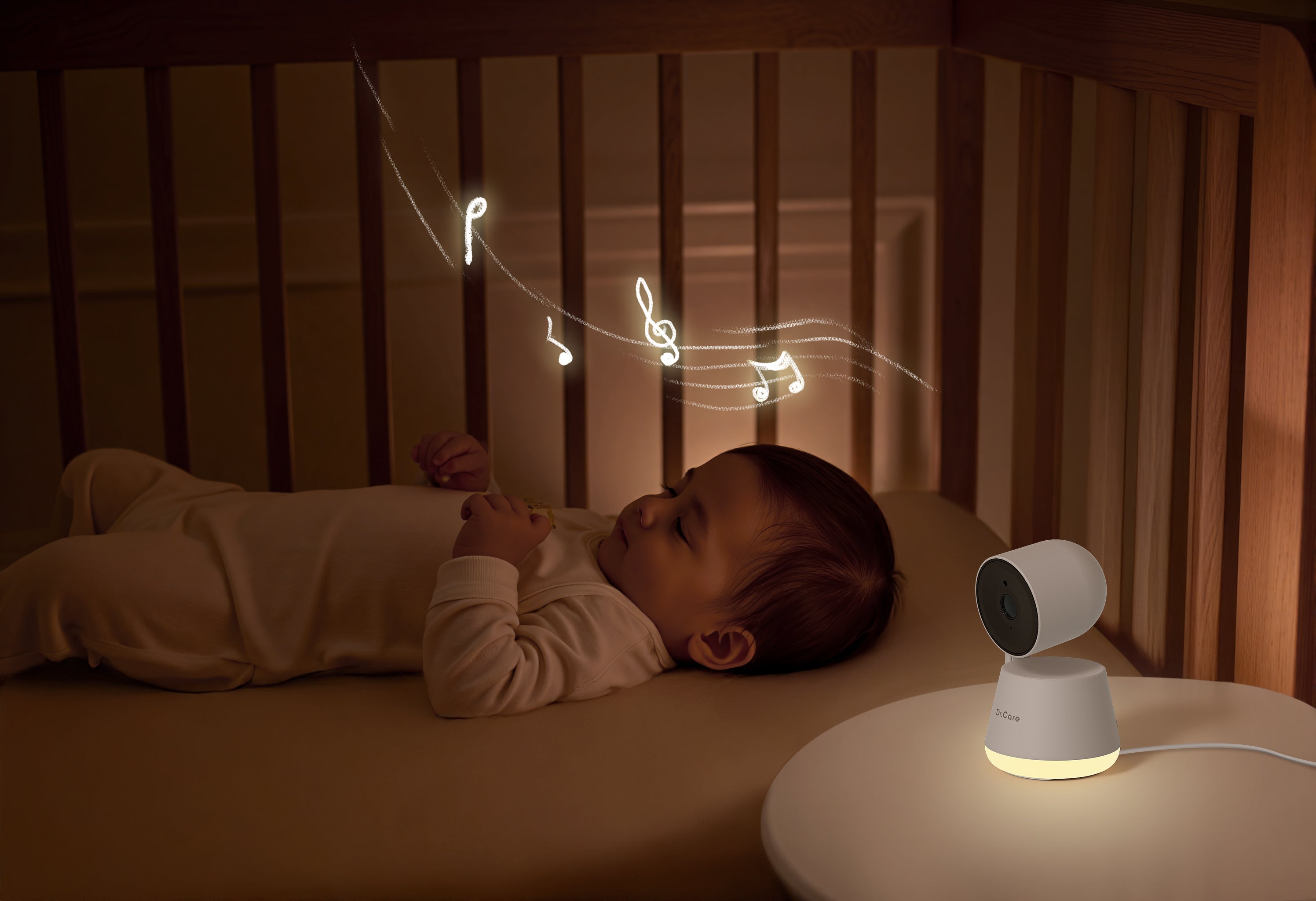
Where Gentle Light Meets Soothing Sound
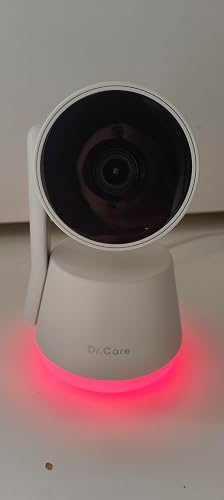
Craft the ideal sleep ambiance with gentle, warm lighting (1800K-2500K) optimized for melatonin stimulation. Combine this with calming sounds like pink noise, ocean waves, or womb tones to ensure your baby enjoys a serene and restful night.
8

Triple Security Protection for Total Confidence
Enjoy total security with multiple layers of protection, including an optional Wi-Fi OFF mode, 256-bit AES encryption, and exclusive user pairing to keep access secure while keeping your connection safe from unwanted access. Support OTA updates for more features Updates.
8

Capture Every Moment from the Best Angle
Versatile stand design lets you mount the baby camera on a crib or place it on any flat surface — for a perfect view, anytime.
*Safety First: Mount the camera at least 3 ft (1 meter) away from your baby’s crib. For optimal performance, keep it within 16 ft (5 meters) of the nursery area.
8

Peace of mind with boundaries
Get alerted when your baby moves beyond the crib or designated area—perfect for curious crawlers and active toddlers.

What’s Included in the Crib Clip Mount Set
Camera x 1
Monitor x 1
USB Chargers x 2
Charging Cables x 2
Crib Clip Mount x 1 (Inside the Charger&Cable Box)
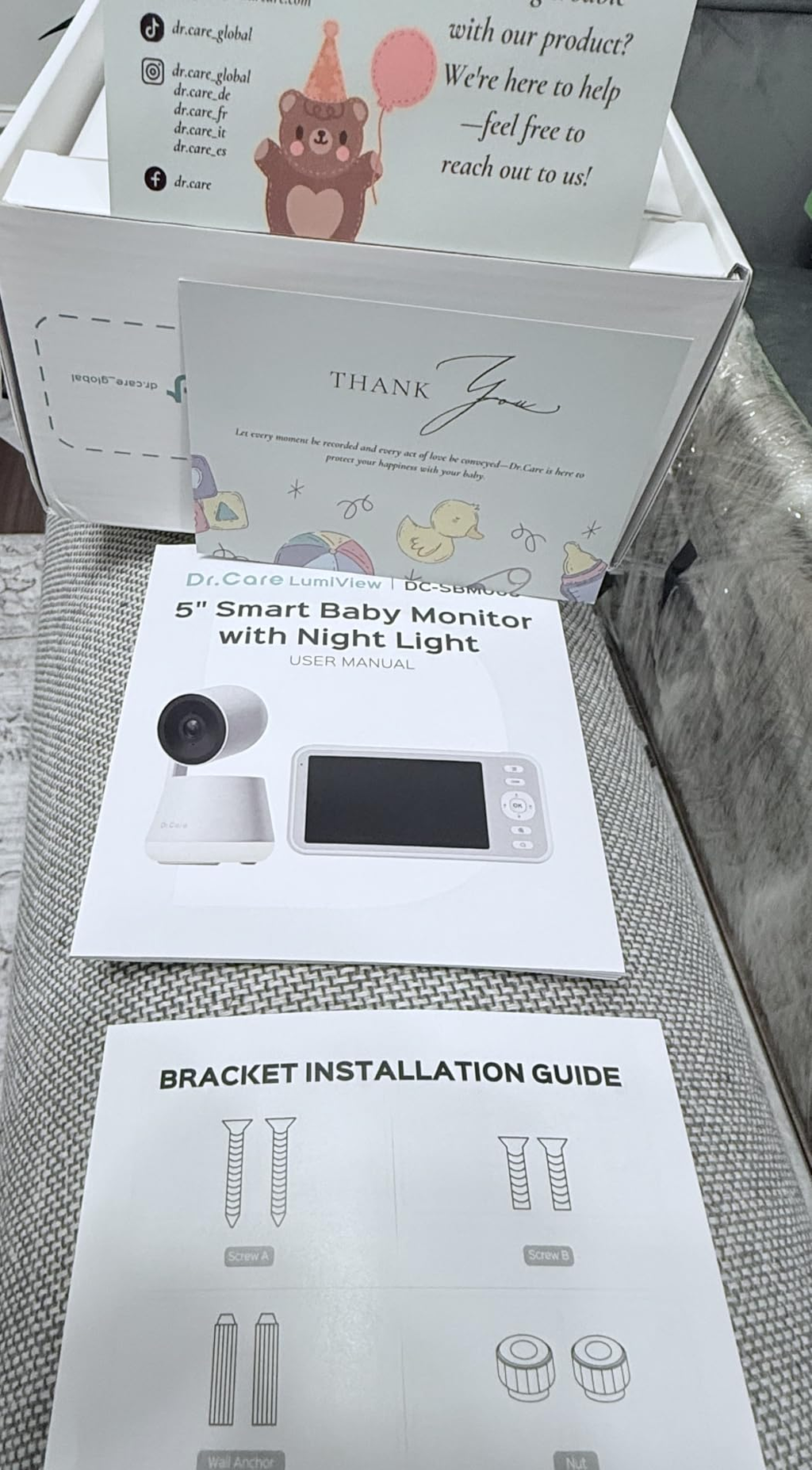
User Manual x 1
Thanks Card x 1
Everything you need for a quick, easy setup

What’s Included in the Dual-Camera Set
Camera x 2
Monitor x 1
USB Chargers x 3
Charging Cables x 3
Wall-Mounting Brackets x 2
Wall-Mounting Screw Sets x 2
User Manual x 1
Thanks Card x 1
Specifications
Product Name
LumiView Lite 5” smart wifi baby monitor
Model
DC-SBM003L
Price
$159.99
App Control
Yes
Transmission Distance
Up to 390 m / 1,279 ft without obstacles
Auto VOX Mode
YES
Two-way communication
YES
Feeding Reminder (Alarm)
YES
Temperature Monitoring
YES
Lullaby
8
Number of supported cameras
2,Split View
Smart Features
Motion Detection, Privacy Mode, Alert Zone, Custom Feeding Clock, Timed Night Lights
Monitor
Resolution
1920 X 1080P
Display
5 inch IPS Color Display
Battery
Removable 5000mAh Battery
Monitor unit play time
Audio Only: 14 hrs; Video Streaming: 11 hrs
Power Adapter
5.0V=2A, type C
Lullabies
8
Zoom
2X&4X
Camera
Camera Resolution
2K
Night Vision
Automatic infrared night vision
Pan &Tilt
135 degrees vertical,300 degrees horizontal
Capture & Share Precious Memories
Yes
Temperature and Humidity Monitoring
YES
Storage
SD card storage (not included) or optional cloud storage
Product Comparison


Model
SBM003L
Model
SBM006
Model
SBM004L
Camera Resolution
2K
Camera Resolution
2K
Camera Resolution
1080P
Screen Size
5 inch
Screen Size
5 inch
Screen Size
5 inch
Battery Capacity
5000 mAh (Removable)
Battery Capacity
5000 mAh (Removable)
Battery Capacity
5000 mAh
Night Vision
✓
Night Vision
✓
Night Vision
✓
Motion Detection
✓
Motion Detection
✓
Motion Detection
✓
Cry Detection
-
Cry Detection
✓
Cry Detection
-
Auto Tracking
-
Auto Tracking
✓
Auto Tracking
-
Connectivity
App + Non-WiFi (Dual Mode)
Connectivity
App + Non-WiFi (Dual Mode)
Connectivity
App + Non-WiFi (Dual Mode)
Privacy Mode
✓
Privacy Mode
✓
Privacy Mode
-
Auto VOX Mode
✓
Auto VOX Mode
✓
Auto VOX Mode
✓
Two-Way Talk
✓
Two-Way Talk
✓
Two-Way Talk
✓
Temp & Humidity Monitoring
✓
Temp & Humidity Monitoring
✓
Temp & Humidity Monitoring
✓
Feeding Alarm
✓
Feeding Alarm
✓
Feeding Alarm
✓
Lullaby
8
Lullaby
8
Lullaby
8
Night Light
✓
Night Light
✓
Night Light
-
Max Cameras
2
Max Cameras
2
Max Cameras
2
Transmission Distance
Up to 390m / 1279ft (unobstructed)
Transmission Distance
Up to 390m / 1279ft (unobstructed)
Transmission Distance
Up to 390m / 1279ft (unobstructed)
FAQ
- To download the app, search for "TheDrCare" on the Apple Store or Google Play. For a detailed, step-by-step setup guide for your DC-SBM001 baby monitor, watch this video tutorial:
- Step-by-Step Tutorial Video for DC.Care DC-SBM001.
- If you have further questions, please reach out through live chat or email us at Support@thedrcare.com for assistance.
- To monitor your baby’s wake-up time, set the motion detection sensitivity to high while they are asleep. This setting will alert you if your baby moves during the night or wakes up, and the cry detection feature will also notify you if your baby starts crying upon waking. Additionally, this technology uses an image recognition algorithm that may trigger motion alerts when there are differences between images in low-light conditions. We recommend testing different motion sensitivity levels to find the one that works best for you.
- The SD card supports FAT32 format, with a maximum capacity of 128GB. If your SD card isn’t formatted as FAT32, you can format it directly through the monitor by going to “Settings” in the menu. Videos or photos you take in the app can be saved to the SD card, or you can opt for monthly cloud storage. We recommend using the free SD card storage option first.
Please press the Wi-Fi button three times to reset, and when you hear the 'ding ding ding' sound, it means the reset was successful; then, add the camera, continue pressing the Wi-Fi button until it shows 'Discovering devices,' and connect to a 2.4G Wi-Fi network."
To help ensure a smooth upgrade process, we’ve created a comprehensive guide document and video tutorial for your reference. Below, you’ll find detailed instructions for upgrading both the camera and the monitor:
Google Sheet with Instructions
YouTube Video Tutorial