


![Add on Charging Cables [2.5m/8.2 feet] for Dr.Care Baby Monitors Dr.Care](http://www.thedrcare.com/cdn/shop/files/1500_x_1200.png?v=1768400488&width=2000)


 or
or
Free shipping is available to most delivery areas. Orders are processed within 1–3 business days.
Your satisfaction matters to us. Unused products can be returned within 30 days of delivery.
At least 1 year of warranty coverage, with an additional 6 months available upon registration where applicable.
Support you can count on whenever you need it.


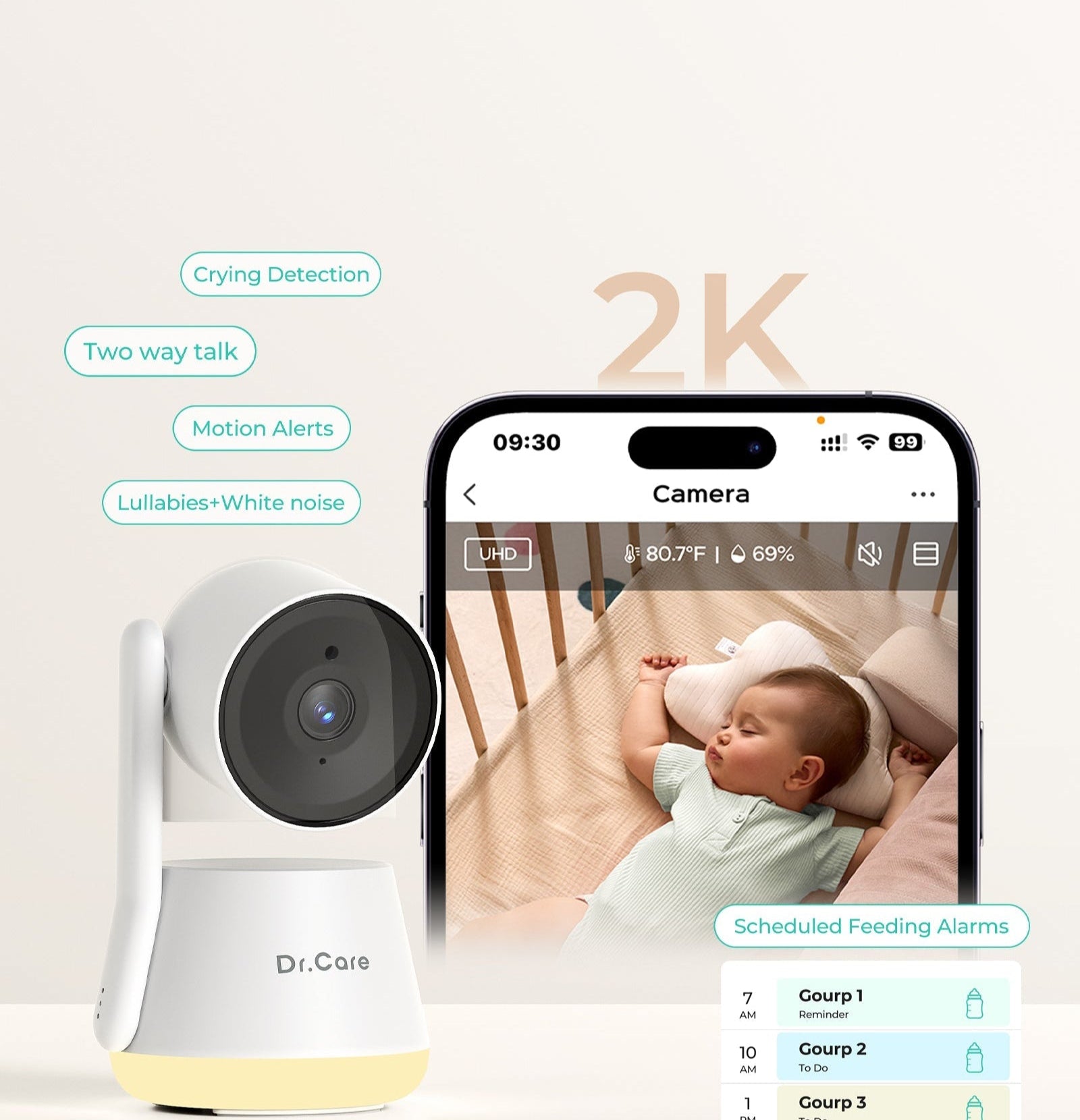


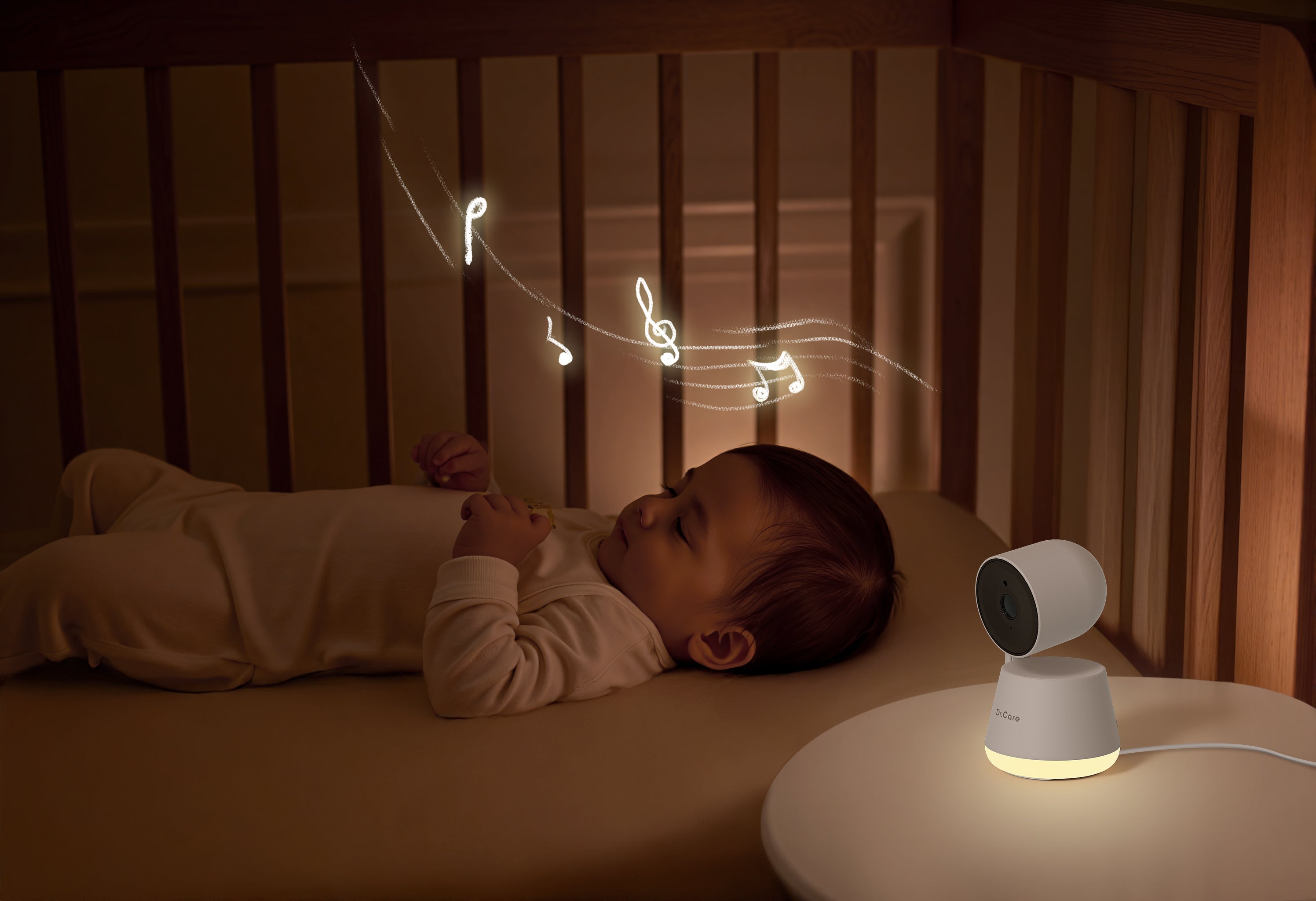

From sleep sounds to smart tracking and secure video, manage it all with upgraded privacy for your family's ultimate peace of mind.

Create personalized safe zones in the app and receive real-time notifications if your baby wakes or moves beyond them. Protect your little one and enjoy uninterrupted peace of mind every moment.

Nurse or change with confidence – one touch closes the camera, switching to your private space at any moment, no unplugging needed.

Advanced Cry Detection and Customizable VOX Level filter out false alarms, ensuring you’re alerted only when it matters.

Craft the ideal sleep ambiance with gentle, warm lighting (1800K-2500K) optimized for melatonin stimulation. Combine this with calming sounds like pink noise, ocean waves, or womb tones to ensure your baby enjoys a serene and restful night.

Versatile stand design lets you mount the baby camera on a crib or place it on any flat surface — for a perfect view, anytime.
*Safety First: Mount the camera at least 3 ft (1 meter) away from your baby’s crib. For optimal performance, keep it within 16 ft (5 meters) of the nursery area.

Enjoy total security with multiple layers of protection, including an optional Wi-Fi OFF mode, 256-bit AES encryption, and exclusive user pairing to keep access secure while keeping your connection safe from unwanted access. Support OTA updates for more features Updates.

Product Name
LumiView 5.5” smart wifi baby monitor
Model
DC-SBM006
Price
$199.99
App Control
Yes
Transmission Distance
Up to 390 m / 1,279 ft without obstacles
Auto VOX Mode
YES
Two-way communication
YES
Feeding Reminder (Alarm)
YES
Temperature Monitoring
YES
Lullaby
8
Number of supported cameras
2,Split View
Smart Features
Smart Auto Tracking & Cry/Motion Detection, Privacy Mode, Timed Night Light, Alert Zone, Local and Cloud Storage
Resolution
1920 X 1080P
Display
5.5 inch IPS Color Display
Battery
Removable 5000mAh Battery
Monitor unit play time
Audio Only: 14 hrs; Video Streaming: 10hrs
Power Adapter
5.0V=2A, type C
Lullabies
8
Zoom
2X&4X
BABY ROOM TEMPERATURE DISPLAY
YES
Camera Resolution
2K
Night Vision
Automatic infrared night vision
Pan &Tilt
300° horizontal, 135° vertical
Capture & Share Precious Memories
Yes
Temperature and Humidity Monitoring
YES
Storage
SD card storage (not included) or optional cloud storage
Please press the Wi-Fi button three times to reset, and when you hear the 'ding ding ding' sound, it means the reset was successful; then, add the camera, continue pressing the Wi-Fi button until it shows 'Discovering devices,' and connect to a 2.4G Wi-Fi network."
To help ensure a smooth upgrade process, we’ve created a comprehensive guide document and video tutorial for your reference. Below, you’ll find detailed instructions for upgrading both the camera and the monitor:
Google Sheet with Instructions
YouTube Video Tutorial